.webp)

.png)
TL;DR
Pick questionnaire automation software based on what you answer most:
- Best when your work is mostly security questionnaires and portal forms: Skypher, Conveyor, Tribble.
- Closest replacement for a classic response-management setup: Responsive.
- Best when your team builds proposals inside Word and PowerPoint: QorusDocs.
- Best when you want a trust portal plus questionnaire help: SafeBase by Drata, SecurityPal.
Table of contents
- When Loopio still makes sense
- Why teams switch
- The 12 best Loopio alternatives
- FAQs
When Loopio still makes sense
Loopio can still be a solid choice if you want a single platform to manage the full response workflow. It covers RFPs, RFIs, DDQs, and security questionnaires, with a shared content library, assignments, reviews, and exports all in one place.
It tends to work best when you already have a usable base of approved answers, and you can commit to ongoing library maintenance. That means regular reviews, retiring old content, merging duplicates, and keeping owners accountable. If nobody owns the library, the tool still “works,” but the team ends up searching longer, rewriting more, and trusting it less.
If you do a lot of portal-based questionnaires, Loopio’s Chrome extension is worth factoring in. SmartScan can pull portal questions into a project, and SmartFill can help complete portal forms. How much time it saves depends on your portal mix, as the integration list is limited.
Loopio is usually a good fit when you want a structured workflow and a central content hub, and you are willing to maintain it as an ongoing process rather than a one-time setup.
Why teams switch
Most switches happen because the response process starts failing under deal pressure. The team spends too much time on repeatable questions and coordination, then rushes the parts that decide the outcome.
Common triggers:
- Library Upkeep: The answer library becomes a job on its own, and still does not surface the right answer fast.
- SME Bottlenecks: Chasing inputs across email, Slack, and meetings burns days.
- Portal Friction: Portal work is slow, formatting breaks, and copy paste becomes the real workload.
- Source Traceability: Reviews drag because answers are not clearly tied to evidence, so security teams re-check everything.
- Low Adoption: If the tool feels heavy, people stop using it, and the library goes stale.
- Seat-Based Pricing: Pricing makes collaboration harder, especially when adding occasional reviewers costs extra.
The 12 best Loopio alternatives
Skypher
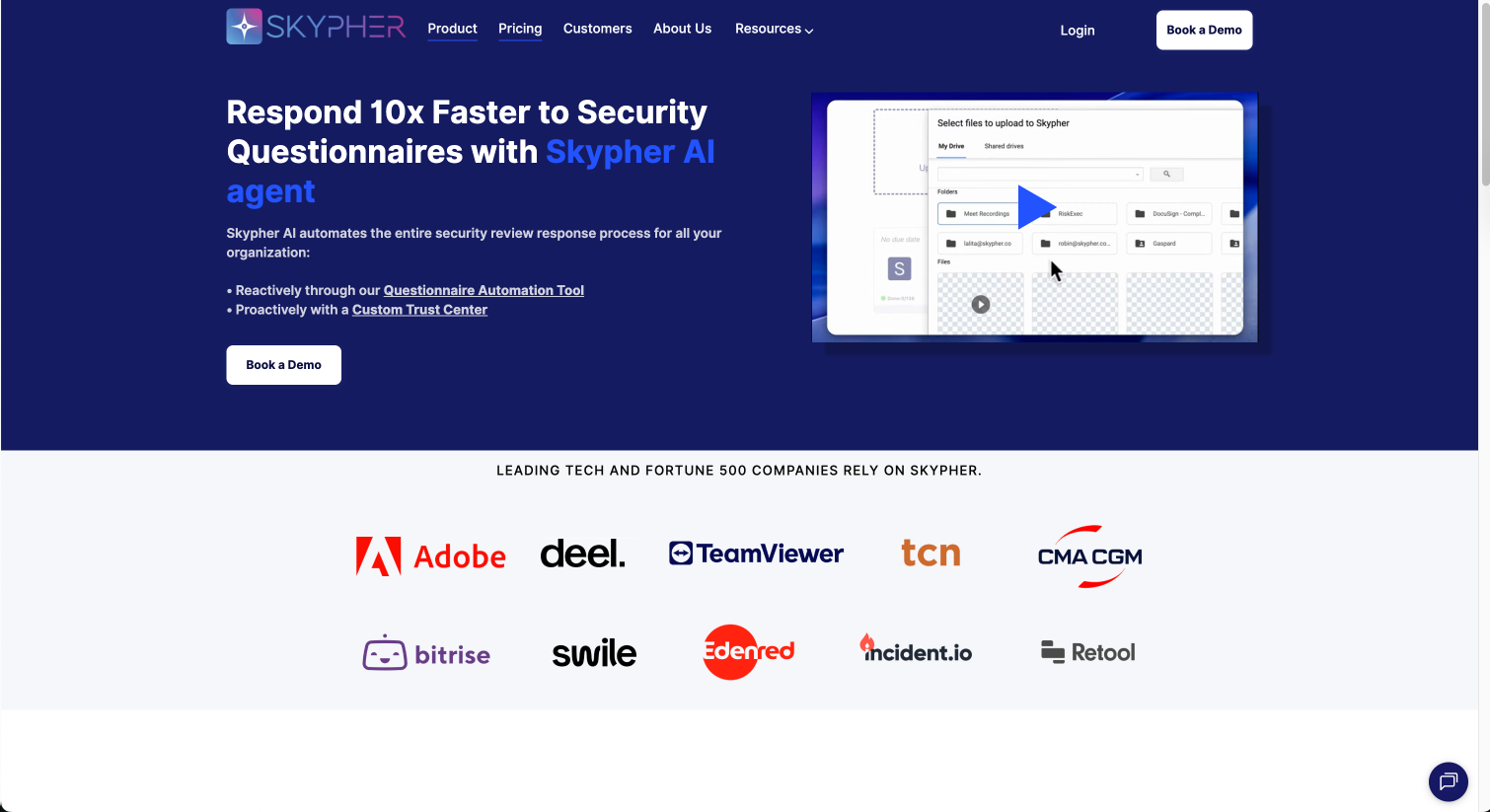
Best for: Security questionnaires, DDQs, and portal-based reviews where you want drafts grounded in your approved content, not generic text.
What it is: Skypher is an AI agent platform for questionnaire automation across security questionnaires, RFPs, and DDQs. It is designed for teams handling high questionnaire volume and complex formats.
How it works: Skypher drafts answers from three sources: past questionnaires, synced internal documentation, and a curated (and small) knowledge base. Drafts include source citations and a confidence signal, then go through human review.
Formats and portals: Skypher supports complex Excel and Word templates, PDFs, and portal workflows. It supports portal work (including Archer, OneTrust, ServiceNow and more than 30 other platforms) through import and export flows, and also offers a browser extension.
Workflow fit: Intake and tracking can sit in Salesforce. Reviews, comments, and approvals can run in Slack or Microsoft Teams. Skypher also includes a Trust Center for sharing security and compliance documentation with access controls.
What to check: Your exact portal coverage, export fidelity for your hardest Excel and Word templates, how citations map back to your internal sources, and how the system handles outdated or conflicting source material over time.
If you are comparing with Loopio: Loopio is a solid choice when you want a structured response workflow and are ready to keep a content library maintained. If your main pain is answering security questionnaires and portal forms quickly without heavy library work, run a pilot with your hardest portal questionnaire and your messiest Excel template and compare end-to-end time and rework.
Check out a short introduction to Skypher in the video below:
Skypher - Client Questionnaire Automation
Website: https://www.skypher.co/
Responsive
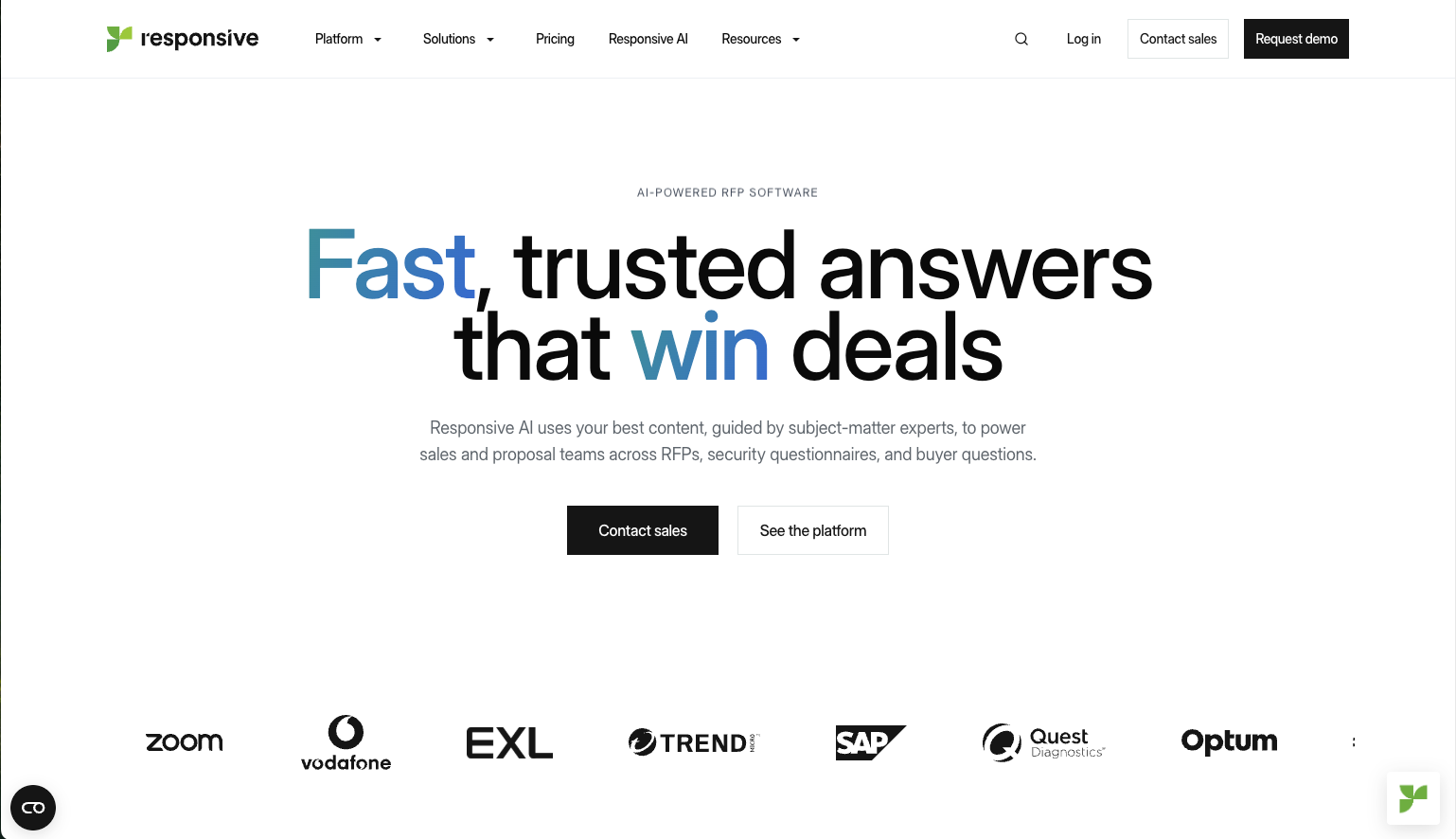
Best for: Responsive is best suited for teams that primarily need a solid content management system to centralize and reuse standard RFP responses. It is a strong fit for mid-market companies that require configuration flexibility to adapt the platform to specific workflows, as well as organizations with experienced proposal teams that are comfortable providing manual oversight to validate AI suggestions.
What to check: Carefully evaluate the learning curve and onboarding time. Users frequently report that the interface is complex, which can slow down adoption and require additional training for new team members. Additionally, assessing the AI's depth is crucial because the platform lacks deep-context reasoning; you may find yourself spending more time manually editing answers to ensure they align with buyer intent.
Limitations: The platform’s primary limitation is that it does not offer automated conflict detection or stale content monitoring, so teams must manually monitor their library to avoid using outdated information. Furthermore, while it handles standard questions well, the AI often struggles with complex or nuanced queries, requiring more human intervention than newer, context-aware agents.
You can check an overview of Responsive here:
AI-powered RFP & questionnaire management - Response Projects from Responsive
Website: https://www.responsive.io/
Conveyor
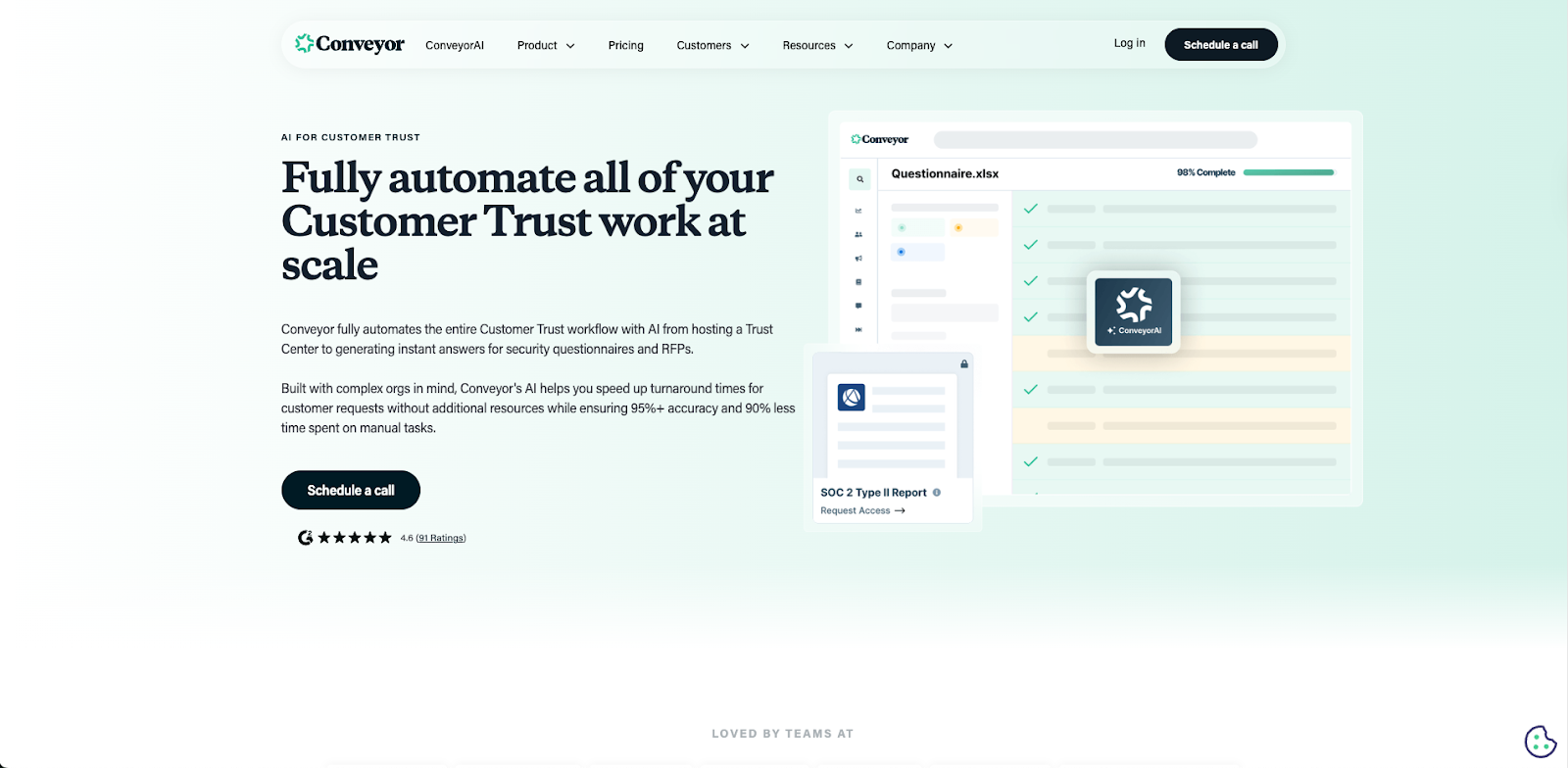
Best for: Conveyor is best for mid-to-large organizations that prioritize a customer-facing Trust Center alongside their questionnaire automation. It is a strong fit for teams that spend most of their time in web-based vendor portals, as its browser extension allows users to enter responses directly on the page. It also suits companies that need detailed analytics on how buyers interact with shared security documents.
What to check: Carefully review how the workflow integration fits your team. Additionally, while they publish a starting price (around $9,600/year), you should verify the volume limits on their plans, as costs can scale up significantly if you process a high number of questionnaires.
Limitations: The primary limitation is its reliance on a browser extension for portals, which can be slower and less reliable than tools that ingest and re-export portal data directly. Furthermore, while it handles standard documents well, it often lacks the specialized processing power required for complex, macro-heavy Excel files or rigid Word templates, requiring teams to do more manual formatting than agents built specifically for thoseformats.
You can check an overview of Conveyor here:
How to Automate Security Questionnaires with Conveyor | Respond 90% faster with AI
Website: https://www.conveyor.com/
SafeBase by Drata
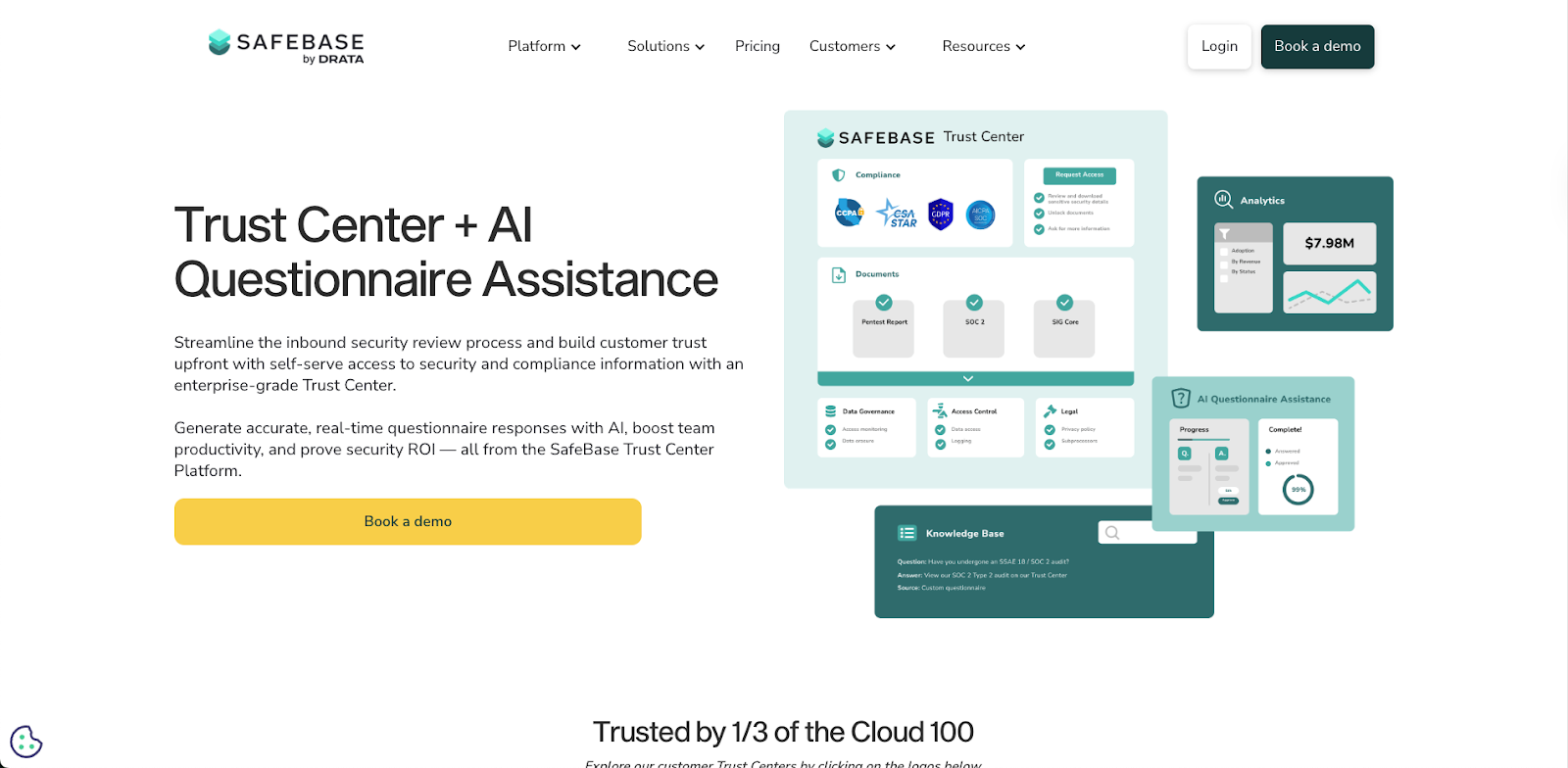
Best for: SafeBase is best for organizations that want to deflect questionnaires before they happen by offering a polished, self-service Trust Center. It is an excellent choice for teams that receive a high volume of standard access requests for SOC 2 reports and want to automate the NDA and sharing process. It is particularly well-suited for companies that view security as a marketing asset and want to provide a branded, "front-door" experience that lets buyers access compliance documents without involving the security team.
What to check: You should carefully evaluate the depth of the questionnaire automation features. While SafeBase is a market leader for Trust Centers, its ability to autofill incoming questionnaires is often secondary to its portal features. You need to verify whether it can handle the specific, complex formats your customers send (such as macro-heavy Excel sheets), as these often require more specialized parsing than a standard Trust Center platform provides. Additionally, review the pricing tiers for CRM integrations, as connecting to Salesforce or HubSpot often requires an enterprise plan.
Limitations: The primary limitation is that it is Trust Center-first, response-second. If a prospect refuses to use your Trust Center and insists on sending a complex, bespoke security questionnaire via a portal or spreadsheet, SafeBase lacks the deep format support and direct portal injection capabilities of dedicated agents. Furthermore, because it focuses on self-service access, it provides less granular workflow control for drafting and approving custom answers than tools built specifically for the "human-in-the-loop" response process.
You can check an overview of Safebase here:
Drata Customer Success Story: Fortinet
Website: https://safebase.io/
Vanta
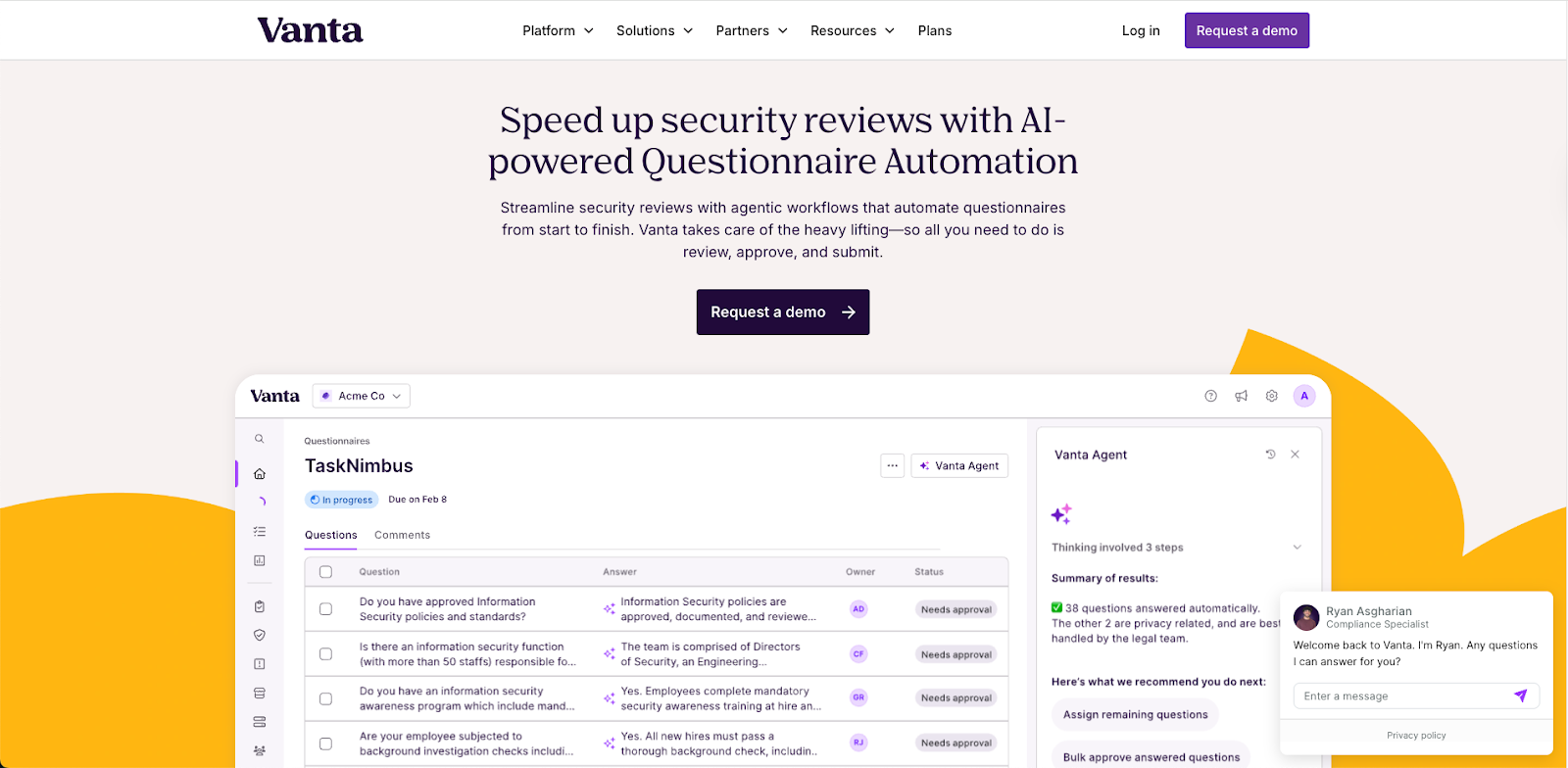
Best for: Vanta is ideal for teams whose primary goal is achieving compliance (SOC 2, ISO 27001) and who view questionnaire automation as asecondary benefit. It fits organizations that want to centralize their audit evidence and use it to power a Trust Center. If you are a startup or mid-market company looking to automate your security review process from the inside out, starting with your actual controls, Vanta is a strong choice.
What to check: You should carefully evaluate the Questionnaire Automation add-on against your actual volume and complexity. Since this feature is an extension of their compliance platform rather than their core product, you must verify whether it can handle the specific, complex formats your customers send (such as macro-heavy Excel sheets or direct portal logins). Additionally, check whether the pricing model makes sense for your needs; you may be required to purchase the full compliance suite even if you primarily want response automation.
Limitations: The main limitation is that Vanta is compliance-first, response-second. It lacks the deep, specialized handling for complex formats found in dedicated agents like Skypher. As noted in the sources, it has "limited complex format and portal support," meaning you may still need to manually copy and paste answers for difficult questionnaires that fall outside its standard capabilities. Furthermore, its automation works best within its own ecosystem, which can create friction if your sales team lives in Salesforce or other external tools.
You can check an overview of Vanta here:
Website: https://www.vanta.com/products/questionnaire-automation
SecurityPal
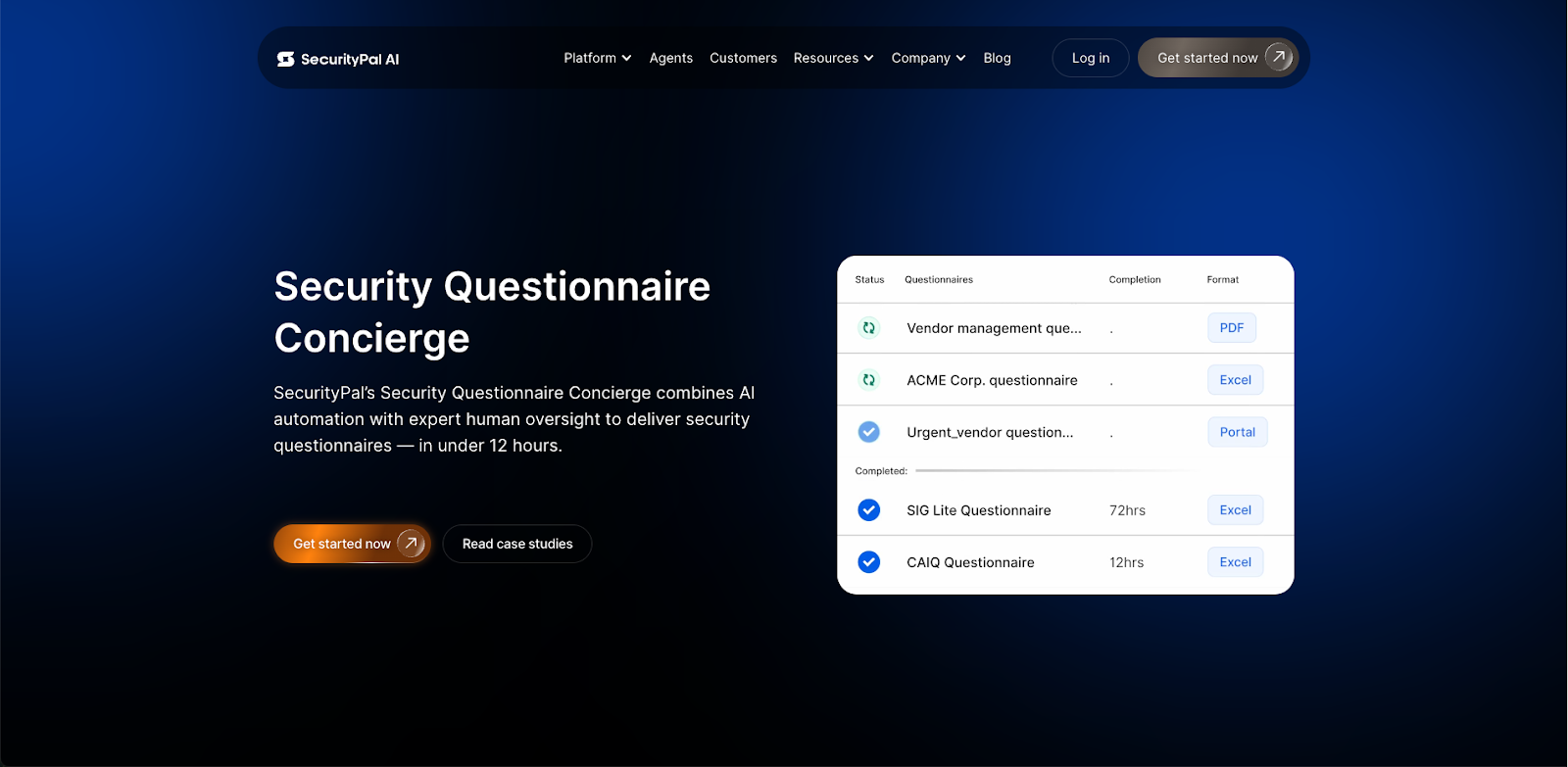
Best for: SecurityPal is best for organizations that want to outsource the problem entirely, rather than just automating it with software. It fits enterprise security teams and CISOs who prefer a "managed service" approach where a combination of AI and human analysts (operating in a 24/7 command center) handles the drafting and review. It is a strong choice if you want to hand off a questionnaire at 5 PM and wake up to a completed draft without your internal team lifting a finger.
What to check: You should carefully evaluate the data privacy implications of their "human-in-the-loop" model. Since their workflow relies on human analysts reviewing your answers behind the scenes, you must ensure your legal team is comfortable with third-party contractors accessing your sensitive security posture data. Additionally, check the turnaround time SLAs; while they promise speed, the human element means they cannot match the instant, real-time generation of a pure AI agent for urgent, last-minute requests.
Limitations: The primary limitation is that it functions more like a service bureau than a standalone SaaS tool. This "concierge" model can create a dependency in which your internal team loses control of its own knowledge base, as expertise becomes siloed within SecurityPal's ecosystem. Furthermore, because it relies on human operations, scaling volume often increases costs significantly compared with fixed-price or usage-based software solutions.
You can check an overview of SecurityPal here:
How you can answer security questionnaires 100x faster with SecurityPal AI
Website: https://www.securitypalhq.com/
Tribble
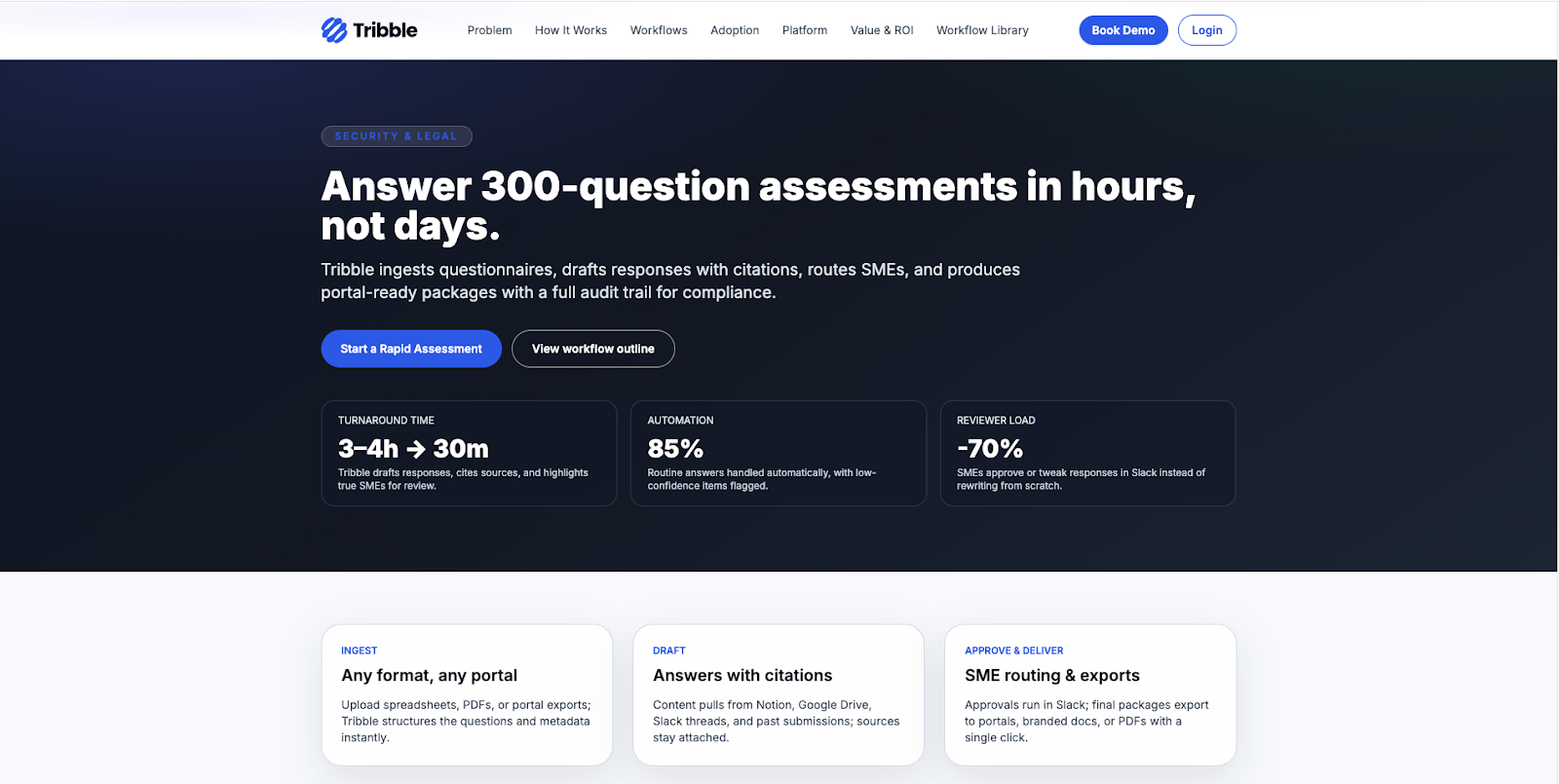
Best for: Tribble is best for teams that want a lightweight, "plug-and-play" solution that automates the process without complex configuration. It is an ideal fit for organizations that use Slack, as its primary workflow routes questions directly to Subject Matter Experts (SMEs) through Slack channels. It suits smaller or agile teams that want an "autonomous agent" to handle drafting and routing, allowing them to focus on other tasks. Tribble is well rated on G2.
What to check: You should carefully evaluate the data quality of your existing documentation before adopting it. Because Tribble relies heavily on ingesting your current data to function autonomously, poor source material will result in subpar answers. Additionally, check if the task management features are sufficient for your needs; users often report that reminders and project tracking capabilities are limited compared to full-suite platforms.
Limitations: The primary limitation is the lack of deep content governance. It does not offer advanced features such as conflict detection or stale content monitoring, which means you have less control over the long-term health of your knowledge base. Furthermore, because it emphasizes a "hands-off" automation approach, teams often have less direct control over the structure and customization of the final proposal compared to platforms that offer granular library management.
You can check an overview of Tribble here:
Scale Faster with Tribble AI Autonomous Agents
Website: https://www.qorusdocs.com/security-questionnaires
QorusDocs
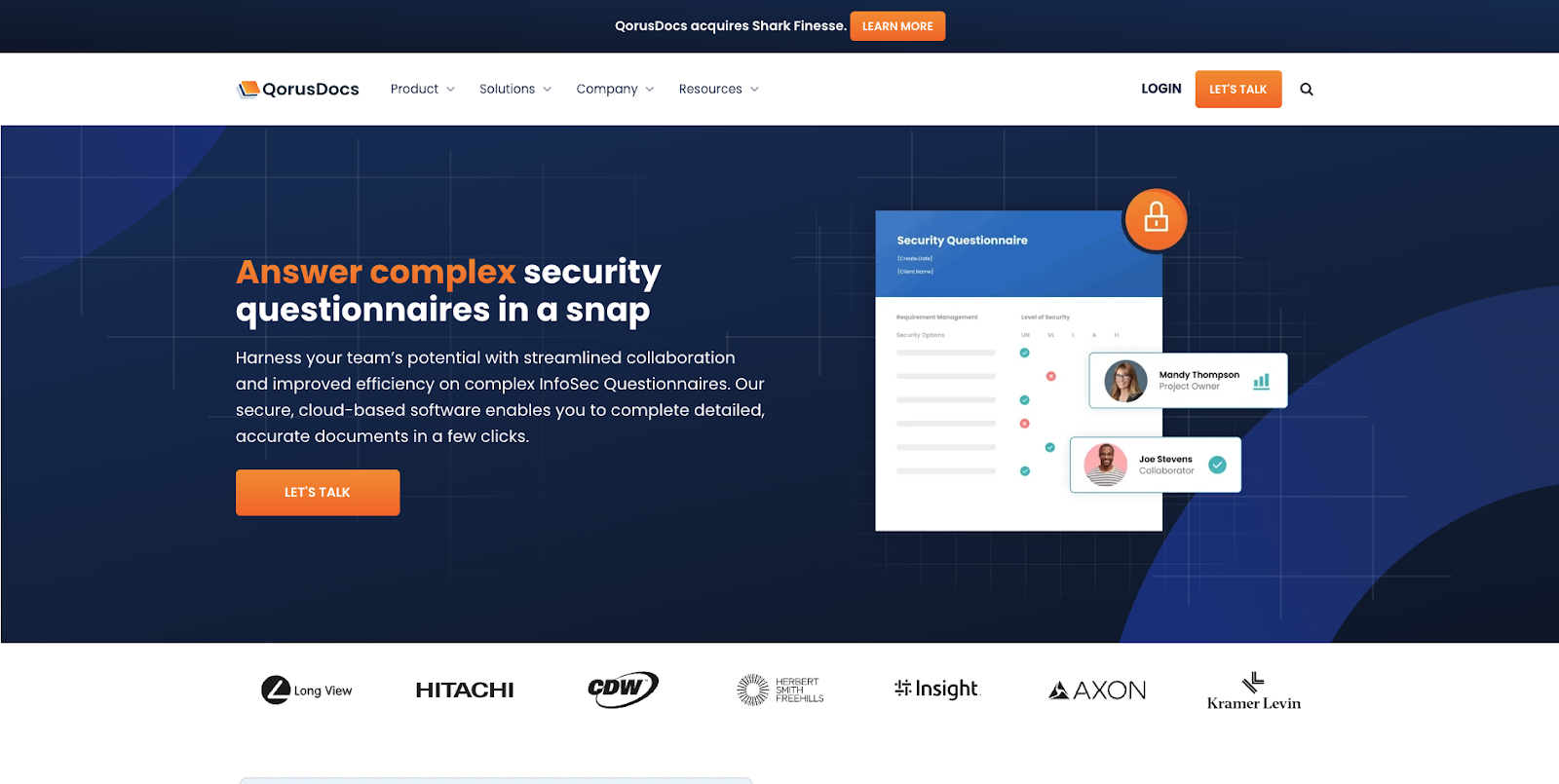
Best for: QorusDocs is ideal for teams deeply embedded in the Microsoft 365 ecosystem. If your proposal process lives entirely within Word, PowerPoint, and Excel, and you store your content in SharePoint, this tool fits your workflow. It allows users to build and customize responses directly inside the Microsoft apps they already use, making it highly effective for sales and marketing teams that want to assemble pitch decks and proposals without leaving their familiar environment.
What to check: Verify how well the search functionality meets your specific needs. Users have reported that keyword selection and finding precise content can be more difficult than with modern semantic search engines. Additionally, assess the user interface: while it integrates with Office, the platform can feel clunky to navigate, which may affect adoption among team members who expect a sleek, modern SaaS experience.
Limitations: The primary limitation is its dependency on the Microsoft ecosystem. If your team uses other tools (like Google Workspace) or requires a standalone browser-based experience for complex collaboration, QorusDocs becomes much less intuitive. Furthermore, compared to AI-first agents that automatically answer questions based on context, QorusDocs focuses more on assembling documents from templates, which means you may still do significant manual work to tailor answers for technical security questionnaires.
You can check an overview of QorusDocs here:
See How QorusDocs Builds an RFP Response in Minutes
Website: https://www.qorusdocs.com/security-questionnaires
Upland Qvidian
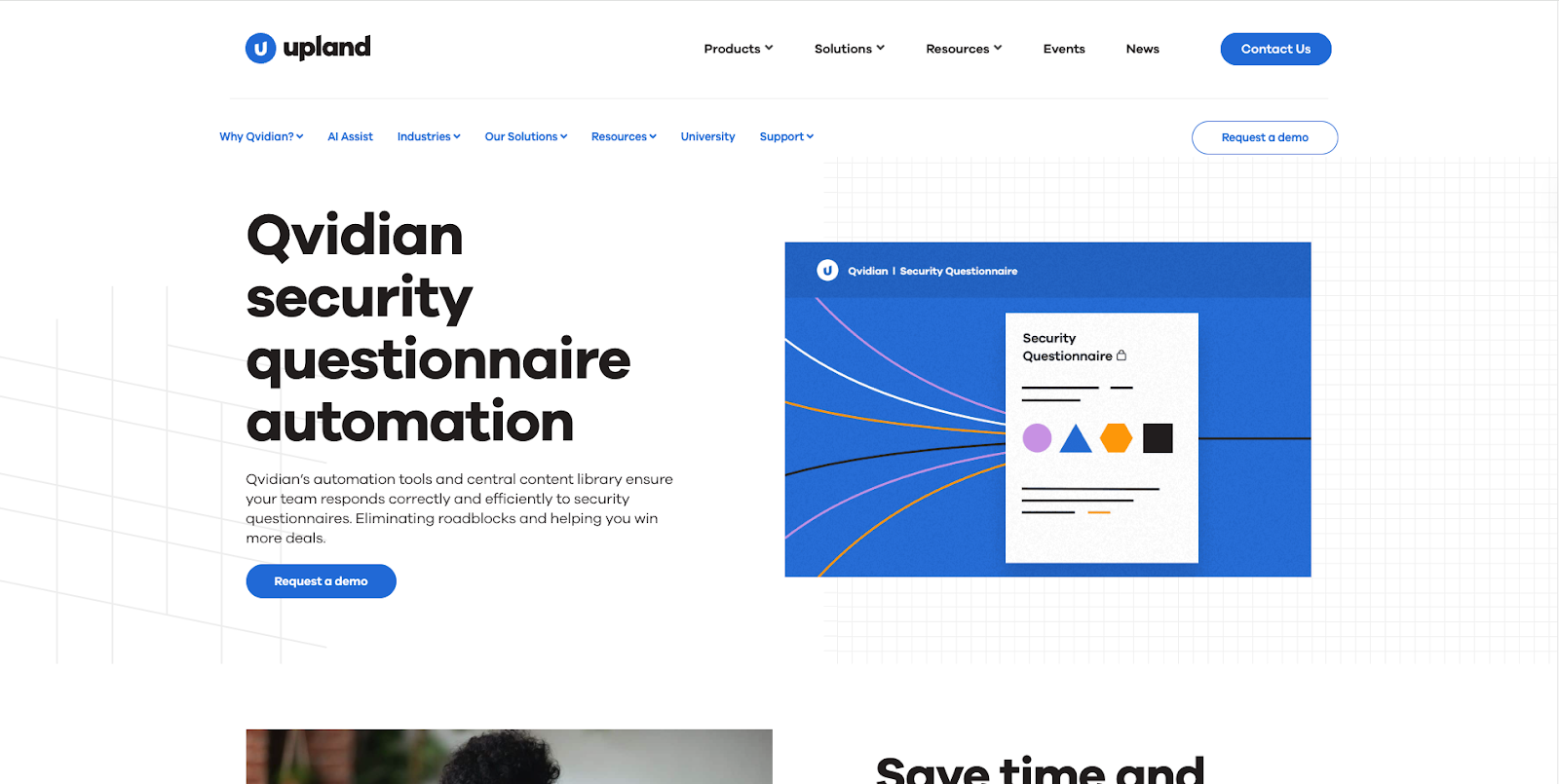
Best for: Qvidian is best for large enterprises in highly regulated industries, such as financial services or insurance, where strict compliance and control are more important than speed. It excels in environments that rely on assembling massive, standardized proposal books (e.g., 100-page RFP responses) using complex logic and pre-approved templates. If your team needs granular permission controls and audit trails to satisfy a compliance officer, Qvidian is a strong contender.
What to check: Carefully evaluate the user interface and theimplementation timeline. Because it is a legacy platform acquired by Upland, users often report that the interface feels dated and clunky compared to modern SaaS tools. Additionally, the setup process can be lengthy; configuring the complex rules-based logic often requires significant time and professional services before you can see value.
Limitations: The primary limitation is that it is document-centric, not AI-centric. It was built to assemble documents from static blocks of text, not to semantically understand and answer new questions. Unlike modern AI Agents that reason through context to answer specific security queries, Qvidian relies heavily on manual template management. This legacy architecture means innovation is slower, and the AI features often feel bolted on rather than native to the workflow.
You can check an overview of Upland Qvidian here:
Upland Qvidian RFP Automation Software | Overview
Website: https://uplandsoftware.com/qvidian/solutions-overview-intent/
RocketDocs
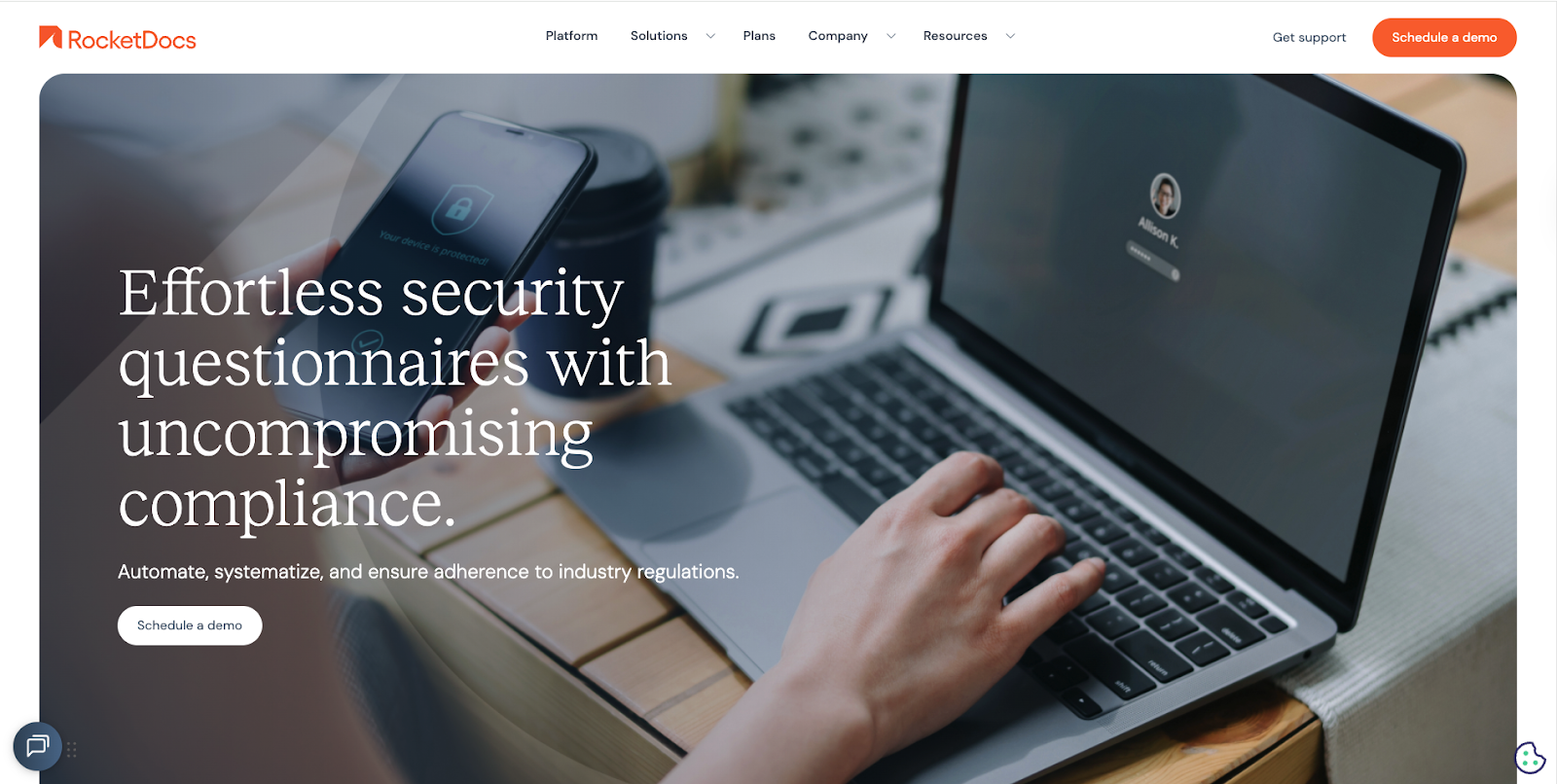
Best for: RocketDocs is best for organizations that prioritize strict content governance and structured SME collaboration over speed. It excels in environments where maintaining a "single source of truth" with rigorous version control, audit trails, and role-based access is critical. If your primary challenge is managing the human side of the process, tracking assignments, approvals, and deadlines across a large team of contributors, RocketDocs offers a robust workflow engine to keep everyone in line.
What to check: You should carefully evaluate the learning curve for your team. Users have reported that the platform can be "intimidating" for new users and that mastering the advanced functionalities takes significant time. Additionally, closely inspect the automation capabilities during your demo; some users note that the automation features still require more manual effort than expected and feel less mature than those of AI-native competitors.
Limitations: The primary limitation is its inflexibility regarding workflows. Users report that the system can be rigid, where a single issue or blocker can disrupt the entire response process. Furthermore, while it is strong on document management, its automation features are often described as needing further development, meaning you may not get the same "magic draft" experience found in newer AI agents.
You can check an overview of RocketDocs here:
Hierarchical AutoFill: RocketDocs Latest and Greatest in 2 Minutes
Website: https://rocketdocs.com/security-teams
Arphie
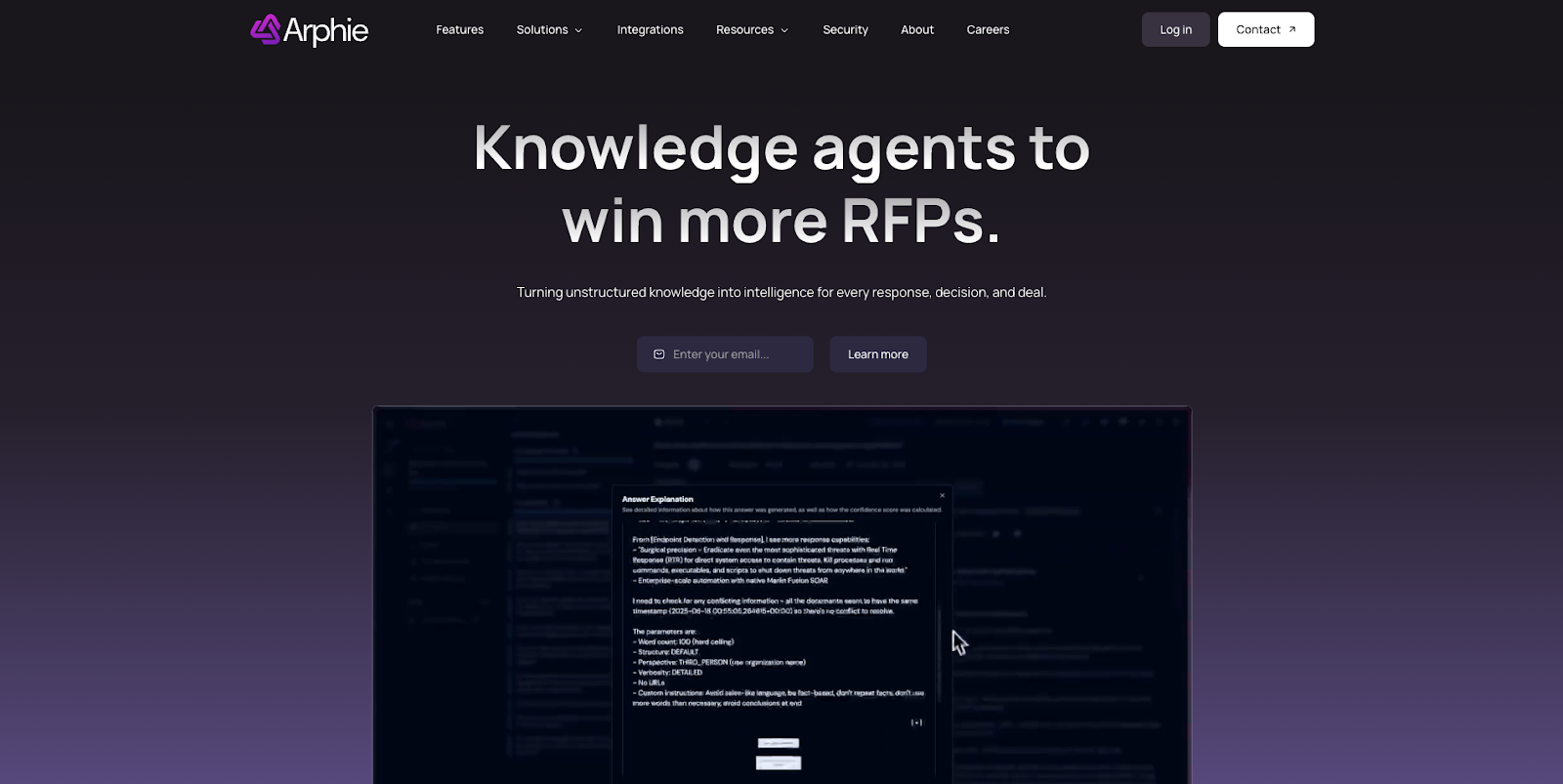
Best for: Arphie is best for organizations that prioritize data security and answer quality above all else. It is an excellent choice for teams that need to respond to standard RFPs, RFQs, and DDQs using only trusted, company-approved data sources. If your primary concern is ensuring that no "hallucinated" or unverified information leaves your organization, Arphie’s strict adherence to secure data makes it a strong contender.
What to check: Evaluate whether the workflow features are sufficient for your team size. While Arphie excels at drafting accurate answers, it offers a narrower set of project management capabilities than full-suite platforms like Loopio or Responsive. Additionally, since it relies heavily on external vendor input to update the content library, you should verify if this dependency will slow down your content refresh cycles during peak busy periods.
Limitations: The primary limitation is the lack of advanced content governance tools. It does not currently offer built-in conflict detection or automated monitoring for stale content, so your team must manually ensure answers remain up to date. Furthermore, it is less effective for creating narrative-style proposals (such as executive summaries or value stories), as its core strength lies in answering direct Q&A pairs rather than crafting persuasive narratives.
Website: https://www.arphie.ai/
AutoRFP.ai
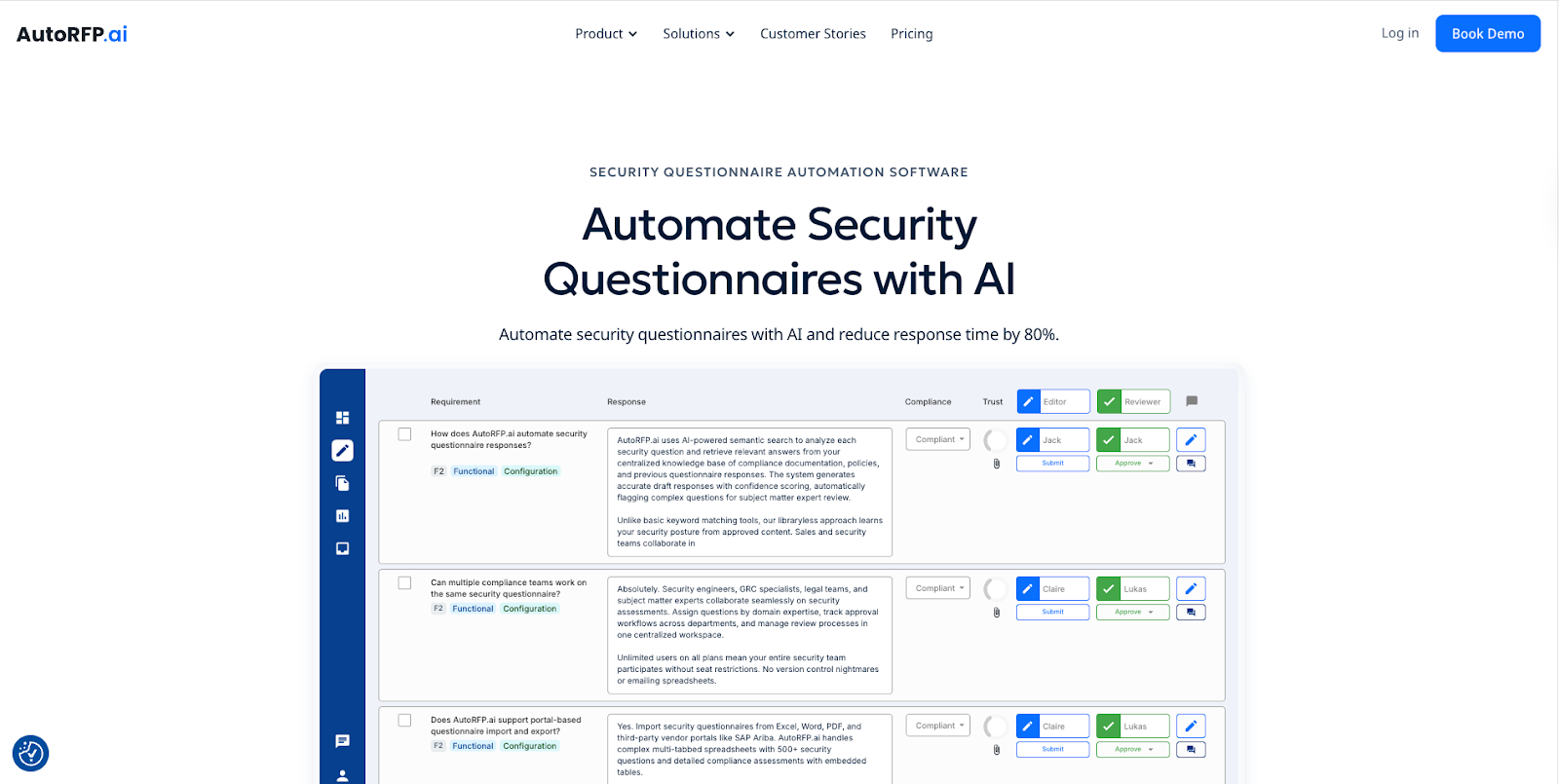
Best for: AutoRFP is best for teams that value speed and volume over highly customized storytelling. It excels in environments where the primary goal is to draft answers to standard RFPs, RFIs, and security questionnaires in seconds using Generative AI. Because its pricing model is often based on projects rather than seats, it is a strong fit for organizations that want to involve unlimited contributors (like Subject Matter Experts) without being penalized by per-user fees. It is also ideal for global teams needing multilingual support, as it can translate and generate responses in over 40 languages.
What to check: You should carefully evaluate its handling of complex or bespoke proposals. While it is fast at answering repetitive questions, sources note that it may struggle with unique, high-stakes RFPs that require extensive strategic customization or "narrative" writing. Additionally, clarify the pricing structure for your specific volume. While it offers a project-based model starting at around $899/month, you need to ensure this aligns with your actual deal flow compared to seat-based competitors. Finally, verify the setup time for integrations, as some users report a learning curve when configuring connections to tools like Salesforce and Notion.
Limitations: The primary limitation is that it is optimized for standard Q&A, not complex proposal management. Users report that for highly customized or nuanced bids, the AI drafts may require significant manual oversight compared to tools that specialize in "win themes" and deep context. Furthermore, while functional, some reviews describe the interface as less intuitive than other modern platforms, which may require more initial training for your team to feel comfortable navigating the system.
You can check an overview of AutoRFP here:
What is AutoRFP.ai? Explainer and Overview 2025
Website: https://autorfp.ai/security-questionnaire-automation
Questionnaire Automation Tools Comparison at a Glance
Streamline Security Questionnaires and Close Deals Faster with Skypher
Are you spending too many hours on repetitive security questionnaires, only to face inconsistent answers and slow sales cycles? As highlighted in the article “Best Top 5 Security Questionnaires Automation Tools – Expert Comparison 2025,” the main pain points are manual response processes, wasted time across teams, and the challenge of keeping answers accurate and compliant. Skypher directly tackles these issues with its advanced AI Questionnaire Automation Tool, empowering your team to answer even the largest questionnaires in under a minute, while ensuring every response stays consistent and audit-ready. If proof of concept delays and scattered documentation are slowing your growth, discover how our real-time integrations, robust API connectors, and customizable Trust Center transform your workflow. Explore how organizations in tech and finance are already accelerating reviews and boosting client trust through Skypher.

Ready to experience radically faster and more reliable questionnaire workflows? Visit the Skypher website to see AI-powered automation in action and check out our main automation platform. Learn how our integrations with Slack, ServiceNow, and dozens of third-party risk management tools can help you move from manual effort to automated security reviews today. Don’t let your competitors move faster — schedule a free demo or browse our FAQ to get started.
FAQs
What is Loopio used for?
Loopio is used to manage RFIs, RFPs, DDQs, and security questionnaires in one workflow. Teams use it to store reusable answers in a content library, assign sections to SMEs, run reviews, and export final responses.
Why do companies look for Loopio alternatives?
Most teams switch when upkeep and coordination start eating the deadline. Common triggers are heavy library maintenance, slow portal work, formatting issues in Excel and Word, and review cycles that require too much re-checking because answers are not clearly tied to sources.
What are the best Loopio alternatives in 2026?
It depends on your workload. For security questionnaires and portal forms, tools like Skypher, Conveyor, and Tribble are often shortlisted. For a classic response-management setup, Responsive is usually the closest match. If proposals live in Microsoft 365, QorusDocs is commonly considered. If you want a Trust Center first, SafeBase by Drata and SecurityPal are typical options.
How do I choose between a “Trust Center” tool and a questionnaire automation tool?
If most of your inbound requests are repetitive document access requests (SOC 2 report, pen test summary, policies), start with a Trust Center. If buyers still send long questionnaires that must be completed in their format or portal, prioritize questionnaire automation and format handling. Many teams end up using both, but they solve different parts of the workflow.
Do these tools replace the need for SMEs?
No. They reduce SME time spent on repeat questions and formatting, but SMEs still need to validate high-risk answers and approve changes to core security language. The difference between tools is how efficiently they route review, track approvals, and reduce re-checking.
What should I test in a pilot to avoid buying AI vaporware?
Bring a small test pack: one messy question with ambiguous wording, one question that requires two or three internal sources, one question where you do not know the answer, one case where sources conflict, and your messiest Excel or Word template. Require citations and verify export fidelity back to the original format.
What matters more: answer accuracy or export fidelity?
Both. Accuracy drives trust and reduces rework. Export fidelity determines whether you still spend hours fixing formatting and portal fields. If you do a lot of spreadsheet or portal work, export fidelity often becomes the deciding factor.
How long does it usually take to switch tools?
Most teams can run a meaningful pilot in a few weeks if they use real questionnaires and real source content. A full rollout takes longer because content cleanup, ownership, and review workflows must be defined. If you migrate a messy library without pruning, you will carry the same problems into the new tool.
Should I migrate my entire Loopio library?
Usually not at first. Start with a cleanup pass: remove duplicates, retire stale answers, and assign owners. Then migrate only the highest-use content and the most important security answers. Use the pilot to confirm retrieval quality and governance before you move everything.
Are “project-based pricing” tools always cheaper than seat-based tools?
Not always. Project-based models can be better when many people contribute occasionally. Seat-based can be fine when only a small core team works in the tool every day. The right model depends on how many SMEs you need involved and how often.
Can I use a homegrown solution instead?
For small volumes, some teams build lightweight workflows around a shared library plus an LLM. The tradeoff is governance and repeatability: citations, approvals, audit trail, export fidelity, portal handling, and content freshness tracking are where homegrown approaches usually break down first.